


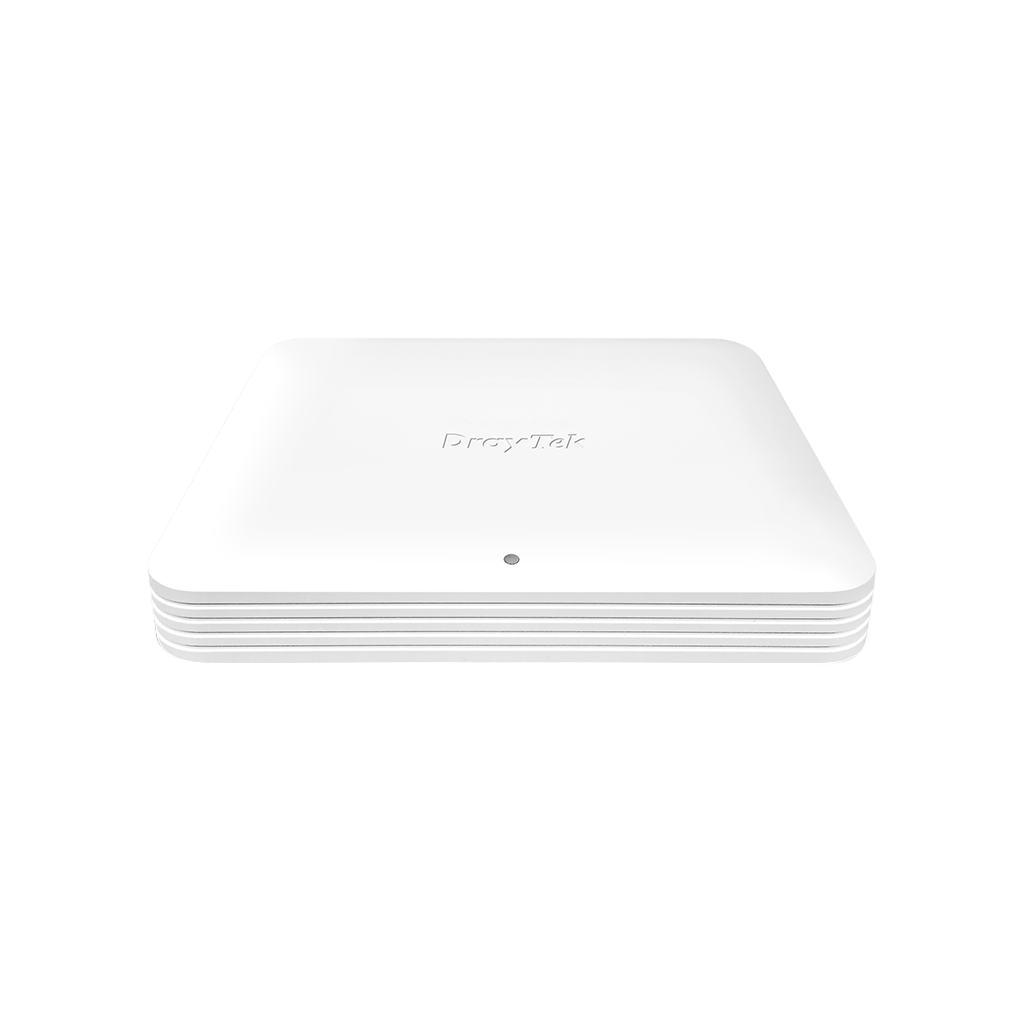


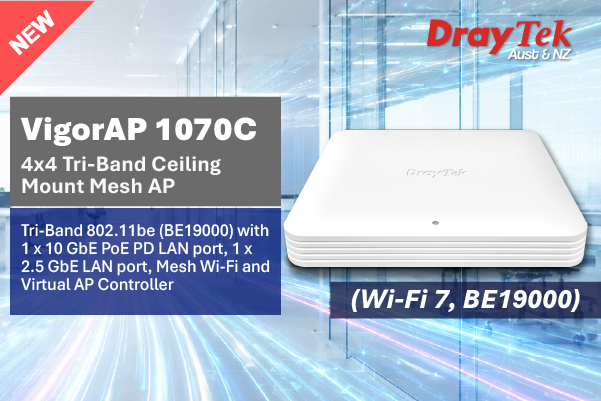
- Concurrent Tri-Band 802.11be with Multi-link Operation
- 4x Internal DB + 4x Internal 6G + 1x Internal 5G (for Zero-DFS scanning)
- Wi-Fi link speeds up to 11530 Mbps for 6GHz, 5765 Mbps for 5GHz band and 1376 Mbps for 2.4GHz band
- 1 x 10GbE LAN port (PoE-PD)
- 1 x 2.5GbE LAN ports + 1 x USB 2.0 Port
- Features AirTime Fairness and Band Steering for a better Wi-Fi user experience
- 8 SSIDs for each Wi-Fi band with unique VLAN settings
- Up to 128 MAC address filter per SSID
- Improve roaming experience by Fast Roaming & AP-assisted Roaming
- Multiple operating modes – AP, Mesh (Mesh Root or Mesh Node) and Range Extender
- Plug-n-Play Meshing *
- Built-in Diagnostic Tool (AP Discovery, Ping, Traceroute, Internet Detection, Client List)
- Supports VigorACS 3 Central Management Software for remote management
- Virtual AP Controller for the deployment of up to 50 wireless VigorAPs
- Manageable from a Smartphone or Tablet using the DrayTek Wireless App. Learn More
- 2 years back to base warranty
* The VigorAP 1070C Wi-Fi Mesh can be set up with another VigorAP 1070C**, VigorAP 905, VigorAP 805, VigorAP 1062C, VigorAP 962C, Vigor2136ax, Vigor2767ax, VigorC510ax, Vigor2867be**, and Vigor2928be**.
** Wired Adoption Only: VigorAP 1070C, Vigor2867be, and Vigor2928be do not support WDS. Initial AP Adoption must be performed over a wired connection. Once adopted and added to the Mesh group, they can participate in the wireless Mesh network.
High-Performance Wi-Fi 7 Access Point for Modern Business Demands
The VigorAP 1070C is a high-performance BE19000 Tri-Band Wi-Fi Access Point that delivers speeds up to 1376 Mbps on 2.4GHz, 5765 Mbps on 5GHz, and 11530 Mbps on 6GHz. Featuring 2.5 GbE and 10 GbE ports alongside MU-MIMO technology, it supports up to 512 concurrent clients. This makes it the ideal choice for high-density environments, such as classrooms and conference centres, where robust connectivity is essential.
The Plug-n-Play Mesh technology in the VigorAP 1070C supports up to eight Access Points to be wirelessly interconnected as a Mesh group to provide extended wireless coverage. This can be quickly and easily set up using the built-in Quick Start Wizard or with the free Smartphone app available from DrayTek.
The Wi-Fi Mesh technology in the VigorAP 1070C will improve network reliability. Redundancy features ensure an alternative path is available in the event of an uplink connection failure, ensuring continuity of Wi-Fi services.
The VigorAP 1070C also offers AP mode, where it can function as a stand-alone wireless access point and a repeater mode where it can function as a wireless repeater and an access point at the same time.
The VigorAP 1070C can function as the Root AP to scan and auto-provision other node APs within the same LAN subnet. (Initial AP Adoption must be performed over a wired connection.) It can manage up to 50 Vigor access points.
5,765Mbps in 5GHz
11,530Mbps in 6GHz
Interface

- 1Factory Reset Button
- 21x USB 2.0
- 3LAN: 1x 2.5G/1G/100M/10M RJ-45
- 4LAN: 1x 10G RJ-45 PoE-PD Support
- 5DC Power Input
- 6Security Lock
What’s New in DrayOS 5-based VigorAP 1070C
Notification Service
DrayOS 5 adds push notification support for the VigorAP 1070C and other DrayOS 5 Access Points. Using the DrayTek Wireless App (version 1.3.3 or later), network administrators can receive real-time alerts for key events such as client disconnections, mesh node offline status, and login attempts. This ensures admins stay informed and can respond quickly to wireless network issues directly from their mobile devices.

MAC Filtering for Access Control
To enhance network security, DrayOS 5 introduces MAC Filtering for Access Control. This feature lets administrators specify which devices can connect to the network by assigning their MAC addresses to a profile.
Configuration steps:
- Navigate to Security > MAC Filtering Profile to create a new profile.
- Add device names and their corresponding MAC addresses.
- Apply the MAC Filtering profile to the desired SSID under Configuration > Wireless LAN to enforce access control.
Streamlined Wireless LAN Configuration
DrayOS 5 simplifies the setup of wireless network parameters by consolidating all options into a single, unified page. Unlike DrayOS 4, where SSID, Radio Settings, Roaming, and other configurations were spread across multiple pages, administrators can now manage everything directly under Configuration >> Wireless LAN. This streamlined approach makes setup and ongoing management faster and more efficient.


Comprehensive Client Monitoring
DrayOS 5 makes monitoring wireless clients more efficient by consolidating all client information into a single view. Previously, details were separated between the 2.4GHz and 5GHz settings. Now, administrators can access a complete overview of client connections and usage from one page under Monitoring >> Clients List, simplifying client management and tracking in a unified location.

Up to 19 Gbps Tri-Band Wi-Fi 7
The VigorAP 1070C delivers combined wireless link rates of up to 19 Gbps across 2.4GHz, 5GHz, and 6GHz bands. Equipped with Wi-Fi 7 technologies including Multi-Link Operation(MLO), 4K-QAM, Multi-RU (MRU) and 320 MHz channel support, it enables higher capacity, lower latency, and more efficient multi-device connectivity. Together with 10GbE uplink capability, it is ideal for modern business environments requiring high-performance wireless networking.

Wi-Fi 7 Capacity
Wi-Fi 7 with advanced 4K-QAM technology pushes modulation from 1024-QAM in Wi-Fi 6 to 4096-QAM, increasing data density from 10 bits per symbol to 12 bits per symbol. This upgrade delivers up to 20% higher throughput, ensuring smoother real-time video calls and crystal-clear 4K/8K streaming experiences.


Multi-Link Operation and Multi-RU
Multi-Link Operation (MLO) allows devices to leverage the 2.4 GHz, 5 GHz, and 6 GHz bands simultaneously, unlike traditional WiFi, which can only transmit data on a single band at a time. This enables faster speeds, lower latency, and more reliable connections.
MLO improves speed, reliability, and reduces latency, which significantly benefits business applications such as video conferencing, large file transfers, and business-critical platforms, as it reduces congestion and ensures a more stable connection.


Multiple Resource Units (MRU)
Multiple Resource Units (MRU) enhance the OFDMA technology first introduced in Wi-Fi 6. In Wi-Fi 6, each client is limited to a single Resource Unit, which may leave portions of the channel bandwidth underutilised. With WiFi 7 MRU, clients can be assigned multiple RUs concurrently, eliminating this restriction and enabling more efficient spectrum utilization. This ensures that more of the available spectrum is actively used, resulting in higher overall throughput and lower latency.


Zero-Wait DFS
Zero-Wait DFS allows Wi-Fi access points to monitor radar signals on DFS channels without interrupting service. The VigorAP 1070C features a dedicated 5G antenna for Zero-Wait DFS, enabling it to detect radar signals independently while maintaining active communication. When radar interference is detected, the AP can instantly switch to a standby block that has already passed the CAC.
In the example below, the VigorAP 1070C is operating on an 80 MHz block (Channels 52, 56, 60, 64). Once radar is detected on Channel 64, DFS rules require the entire block to be vacated. With Zero-Wait DFS, a standby block (Channels 100, 104, 108, 112) is ready, so the AP can instantly switch, ensuring smooth service.

Seamless Wi-Fi Roaming

Fast & Smooth Handover
Enjoy uninterrupted connectivity with intelligent roaming that allows seamless switching between access points. The VigorAP 1070C supports both Over-the-DS (wired backbone) and Over-the-Air handoffs, ensuring stable, reliable performance for video calls, voice chats, and other real-time applications.
Smarter Assisted Roaming
With signal thresholds and AP steering, devices are guided to the strongest available access point, helping balance network loads. This ensures consistent connectivity and stable performance for all devices across every corner of the network.
Always Optimised for Business
From offices to campuses, seamless roaming keeps teams connected with uninterrupted mobility. Enjoy reliable coverage designed to meet the high demands of today’s modern workplaces.
DrayOS 5 Virtual Controller
DrayTek’s business solution combines Multi-WAN Routers, Multi-Giga Switches, and VigorAPs to build a reliable backbone. Virtual Controller provides centralised management for VigorAP and VigorSwitch on the LAN side.

Discover devices automatically
Connect APs to the LAN; the router detects them instantly
Provision profiles
When a new VigorAP joins the network, the settings are automatically provisioned without manual setup.
Monitoring
Centralised view to check if managed APs are online.
System Maintenance
Reset, backup, or reboot APs directly from the router UI